

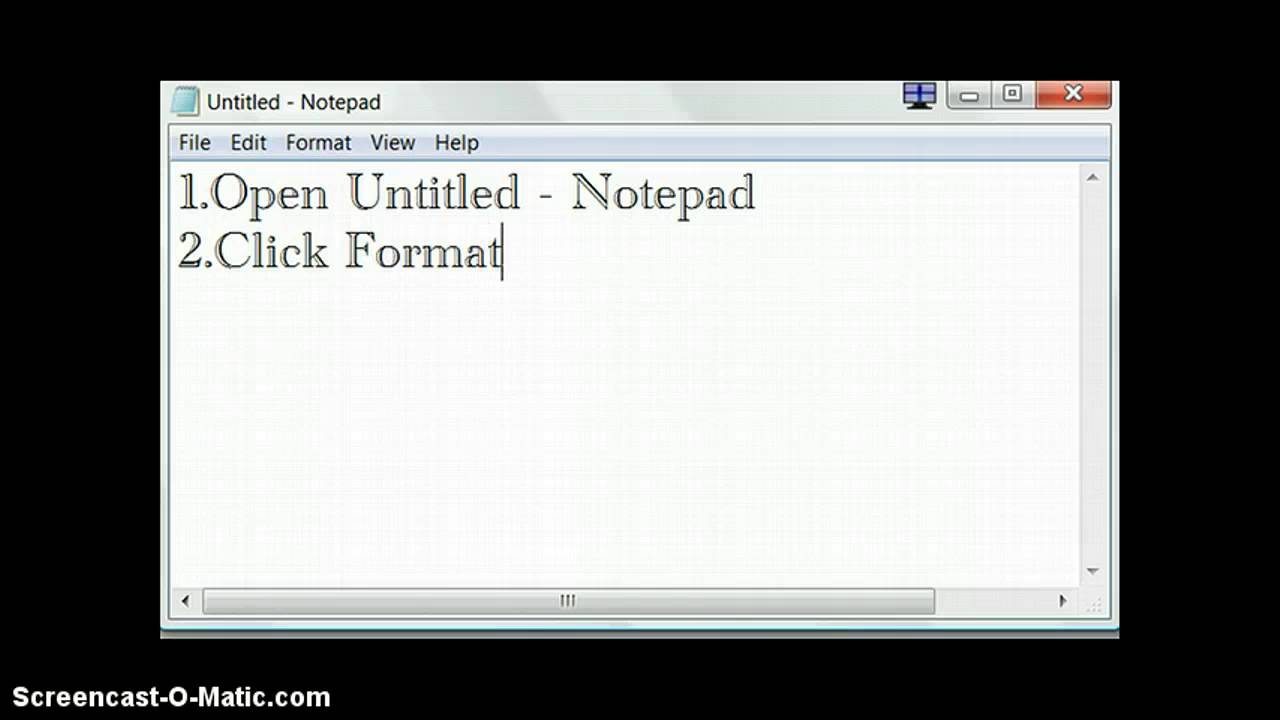
You use these notepad like you would use any other notepad, and only while saving you need to provide a key / password to protect your note. In the same manner, while opening a secured note, you need to provide the same key / password, and the note will be in front of you, and you can edit it as you want. When setting multiple line-decoration properties at once, it may be more convenient to use the text-decoration shorthand property instead. The text-decoration-style CSS property sets the style of the lines specified by text-decoration-line. The style applies to all lines that are set with text-decoration-line.
- Quick search for previously marked text is possible via the Jump Up or Jump Down submenu choices.
- During the copy process of the file errors may occurred rendering the file incomplete or corrupted.
- Go to the TXT folder and select the text files you want to recover.
- MIME Tools allows base64 encoding, base64 encoding with padding, base64 decoding, URL encoding, etc.
That’s all about how to recover lost or deleted files on PC. Please click Yes if you see the Question prompt window asking you to download package of file previewer. Click the file from search result to recover unsaved text file notepad. Notepad is a common text-only editor, which means it is able to edit text without formats.
Where do permanently deleted files go?
Notepad++ is very user-friendly and easy to use. You can easily download Notepad++ from its Official Website. It is introduced to overcome the drawbacks of Notepad.
It is an invaluable tool for many users and can be incredibly frustrating when it stops working. Fortunately, there are a few things you can do to fix the issue. Text editor with several programming languages support and syntax highlighting. The app now has better performance on devices hosting large media collections. It also allows user to sort songs and albums by the date the file was added to a collection.
However, if none of the above solution were helpful, then it indicates that corruption in your current user account is the culprit. Unfortunately, you can’t remove this corruption even by running an SFC scan. The only solution, in this case, is to switch to a different user account. The Open with dialog will now list both versions of Notepad, easily distinguishable from the respective icons. This alias via the Settings app, you should be able to run the classic Notepad.
Java regular expression removes comma and spaces before and after strings
This tool does more than assist you in the opening, creating, and reading plain text files. But there is a problem with Microsoft Notepad that you cannot read it. The.txt file extension is used for these files. You can open a notepad and type the text you require in this document. After you’ve finished typing the content, you can save the file by right-clicking it and selecting Save As. It’s critical to keep in mind that you’ll need to save it with the “.txt” extension.
Create Text-Based CSV File for VG320 Gateways
I want to have autocompletion of ACT commands in notepad++. Please note that i have already embedded python in notepad++. This website is using a security service to protect itself from online attacks. The action you https://www.arthurmurrayfolsom.com/2023/03/maximizing-your-productivity-with-notepad-on/ just performed triggered the security solution. There are several actions that could trigger this block including submitting a certain word or phrase, a SQL command or malformed data. Just install the app and follow the official instructions for using it with individual editors on the maker website by spotting instructions for your respective editor.
With Windows 11 notepad tabs, you can create, manage, and organize multiple files in a single Notepad window. As mentioned earlier, Windows Insiders in the Dev Channel can start using the multiple tabs within the Notepad app. If you are using a stable version of Windows 11, such as version 22H2, you must wait until Microsoft rolls out this feature.
